

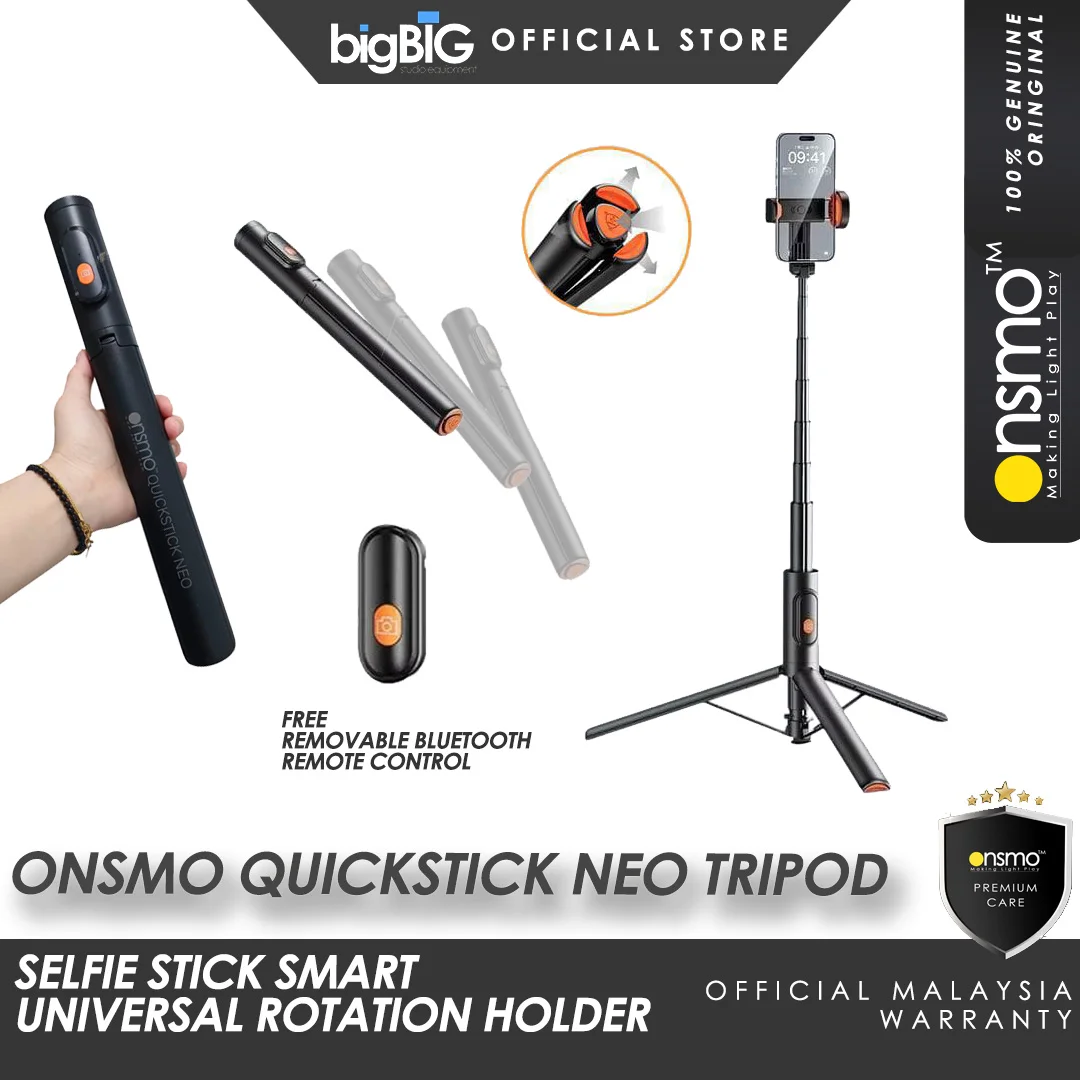
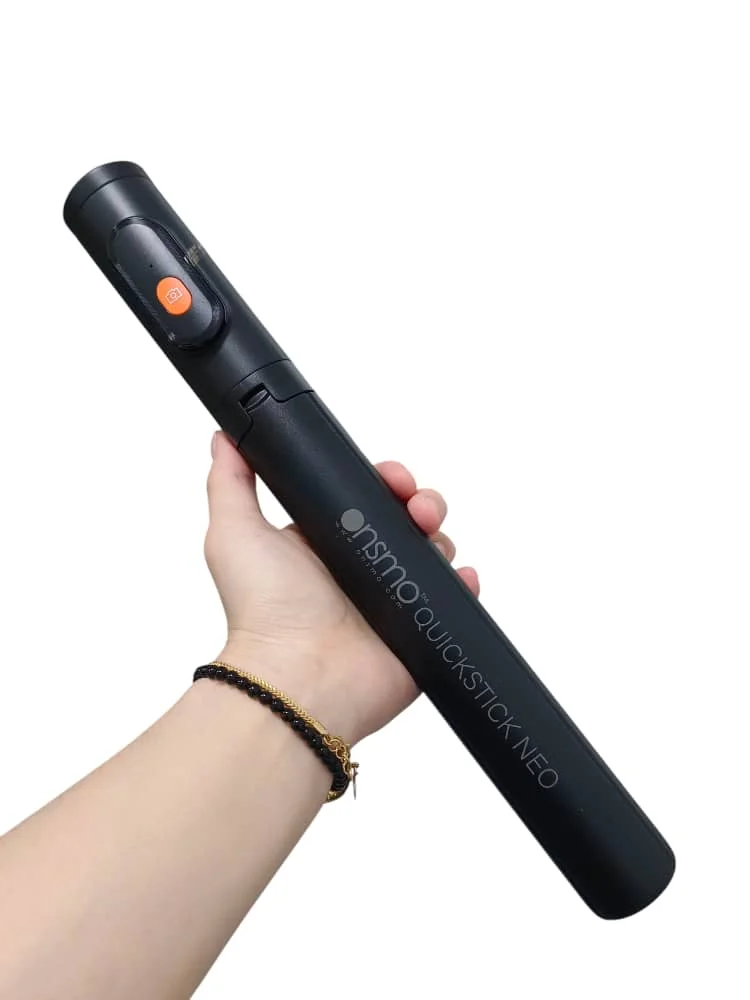

Onsmo QuickStick Neo Tripod 146cm Selfie Tripod Viral Onsmo Tripod Onsmo Selfie Tripod
1] Power on after long prssing the power button for 3 seconds, then turn on the phone bluetooth to enter search condition, and click "Dispho" in the searched equipment. Green light of the remote control will be off after connected.
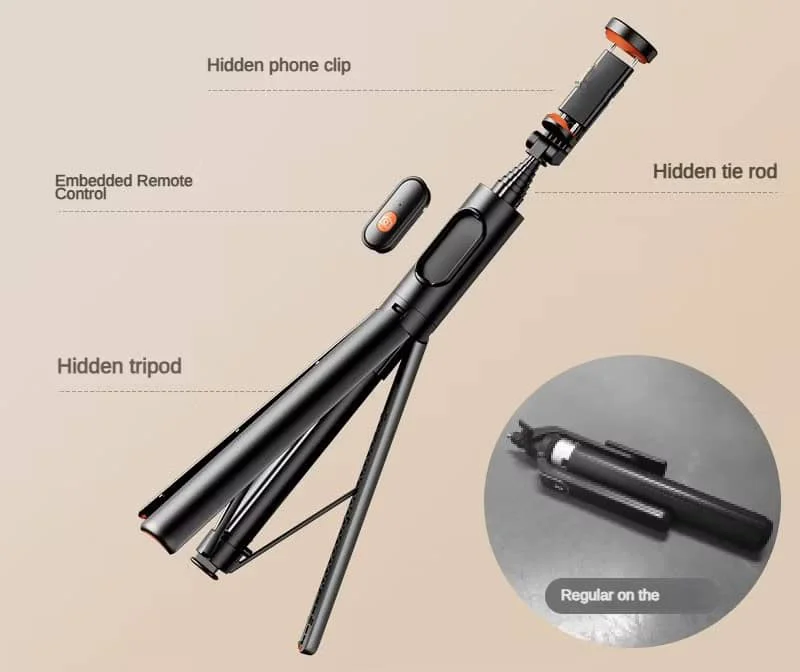
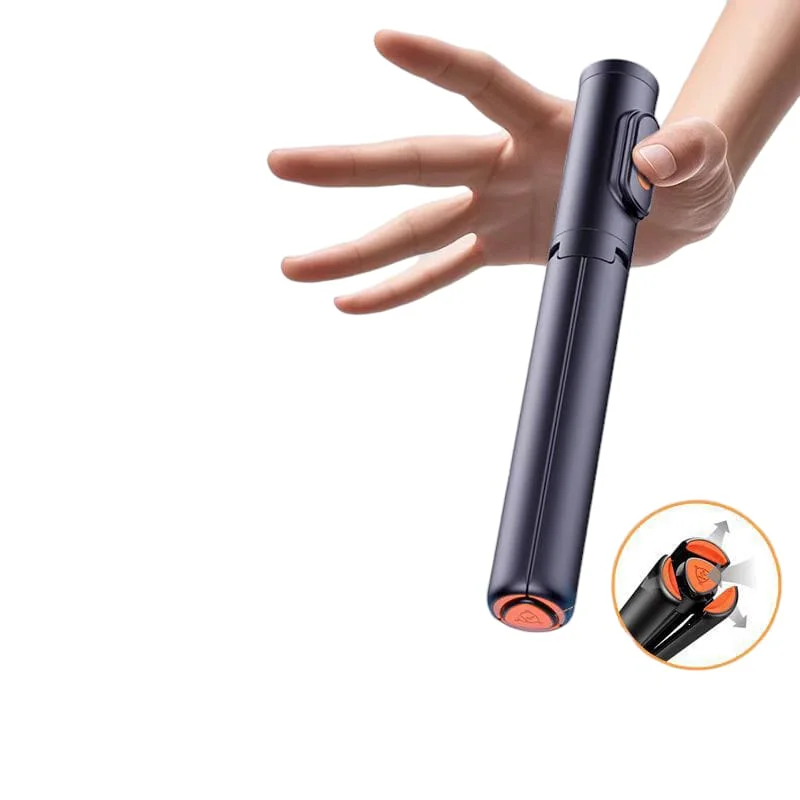
2] Before using the bottom of the product to tap the ground, and the tripod will automatically unfold (Warning: Kepp the tripod away from the head and face)
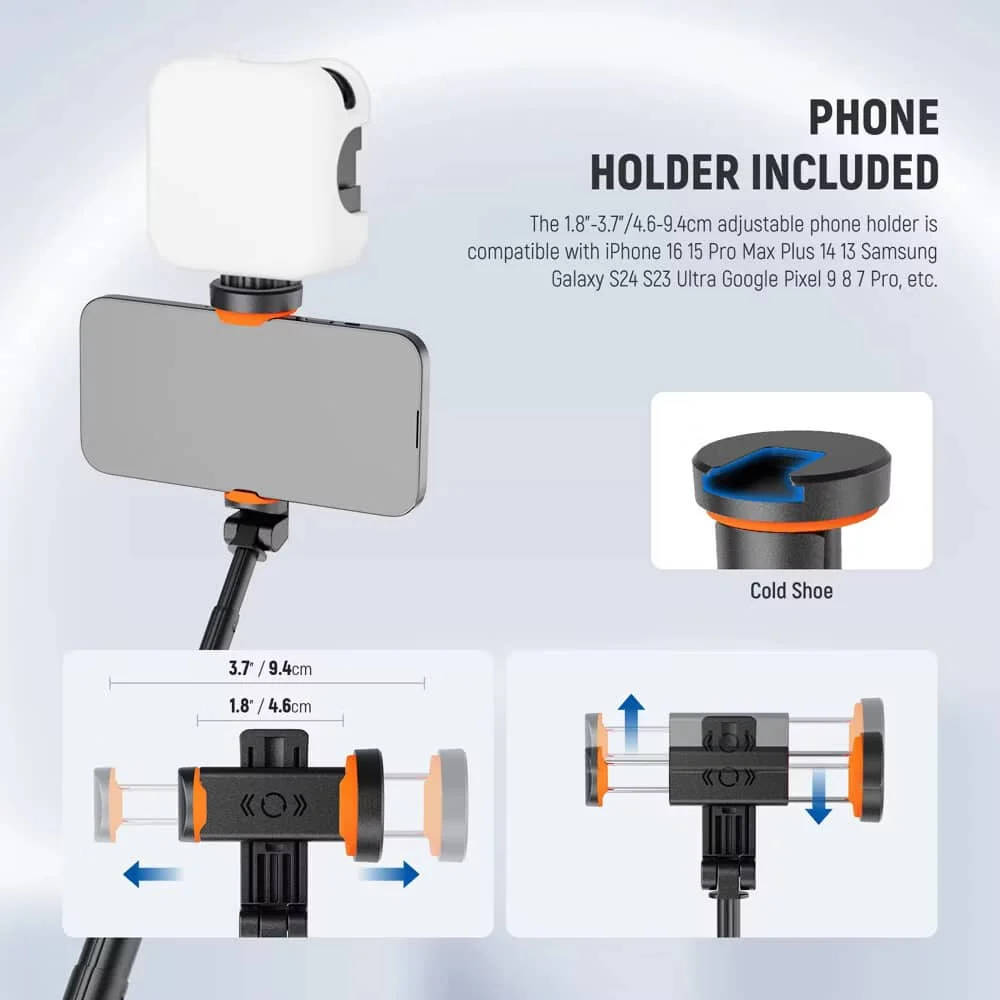
3] Lean the phone sideways against the handle on the upper side of the bracket, push thephone up, and yhen install the phone in, and finally adjust the horizontal screen of the phone in the middle of the bracket.
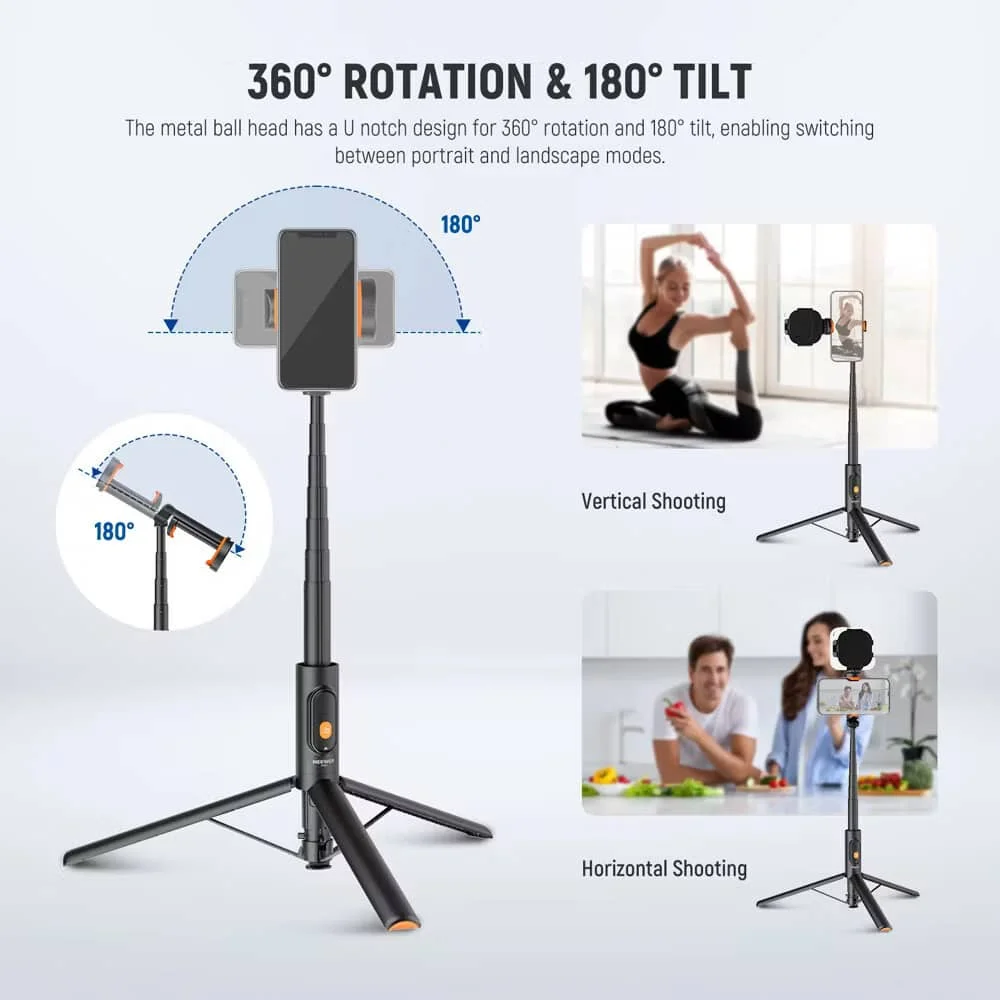
4] The Mobile phone stand can be rotated 90' to the direction of the remote control, and can be used horizontally and vertically.(Pay attention to move the phone before rotating when turning from horizontal)
Specification:
Product Name: Onsmo QuickStick Neo Tripod
Material: ABS + PC + Aluminum Alloy
Weight: 290g
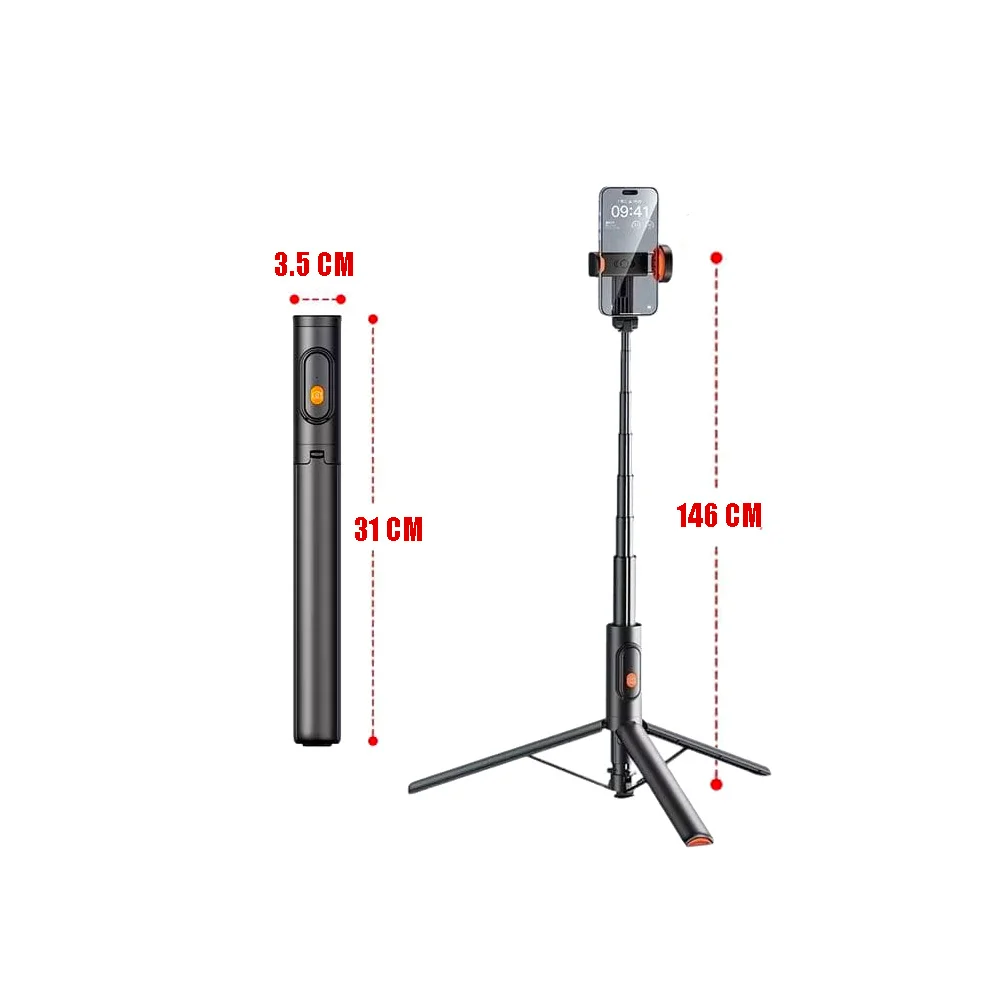
Folded Size: 31CM
Stretching Size: 146CM
Battery Capacity: 125mAh (CR 1632)
In The Box
Package A
1x Onsmo QuickStick Neo Tripod
1x Free Onsmo Stand Bag (34cm)
Package B
1x Onsmo QuickStick Neo Tripod
1x Free Onsmo Stand Bag (34cm)
1x Onsmo Lumipocket B20
Package C
1x Onsmo QuickStick Neo Tripod
1x Free Onsmo Stand Bag (34cm)
1x Onsmo Lumipocket B20 RGB